Graybar Improves Sales Order Processing by 85% and Reduces Manual Data Entry by 80%
SAP SD | SAP WM
Electrical Distribution
Liquid UI for Android | Liquid UI for iOS | Liquid UI Server

Challenges
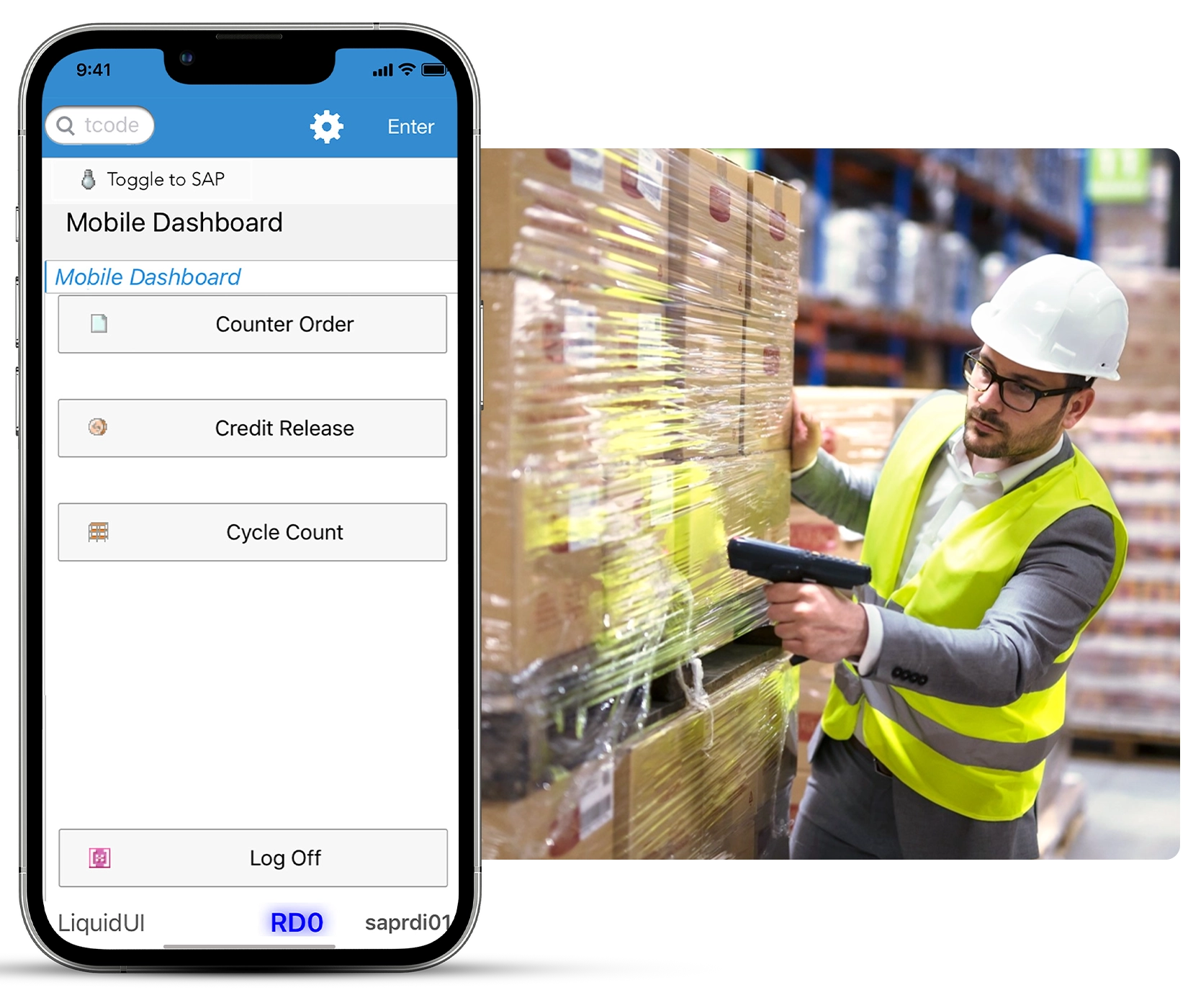
Counter orders required repeated trips to the desktop - CSRs started sales orders at the counter and searched SAP for material locations. When material was unavailable, they returned to their desktop to find another match. The repeated trips reduced CSR productivity and hindered multitasking.
Cycle counts required repeated material and location checks - Warehouse personnel located materials across shelves and batch numbers, confirmed each location and batch number, and manually calculated totals. Repeating these steps for each material made cycle counts proved tedious and error prone.
Blocked sales orders required manual monitoring - Managers had to periodically refresh SAP screens to find orders awaiting approval. This added delays, taking hours instead of minutes to release a single blocked sales order.
Solutions
Mobile SAP WM and SD execution - Liquid UI for Android/iOS enabled warehouse personnel to handle counter orders, cycle counts, and blocked sales orders from mobile devices. Barcode scanning let users enter counter-order details by scanning the material UPC, while notifications enabled managers to review and release blocked sales orders with a few clicks, making the process faster and more accurate.
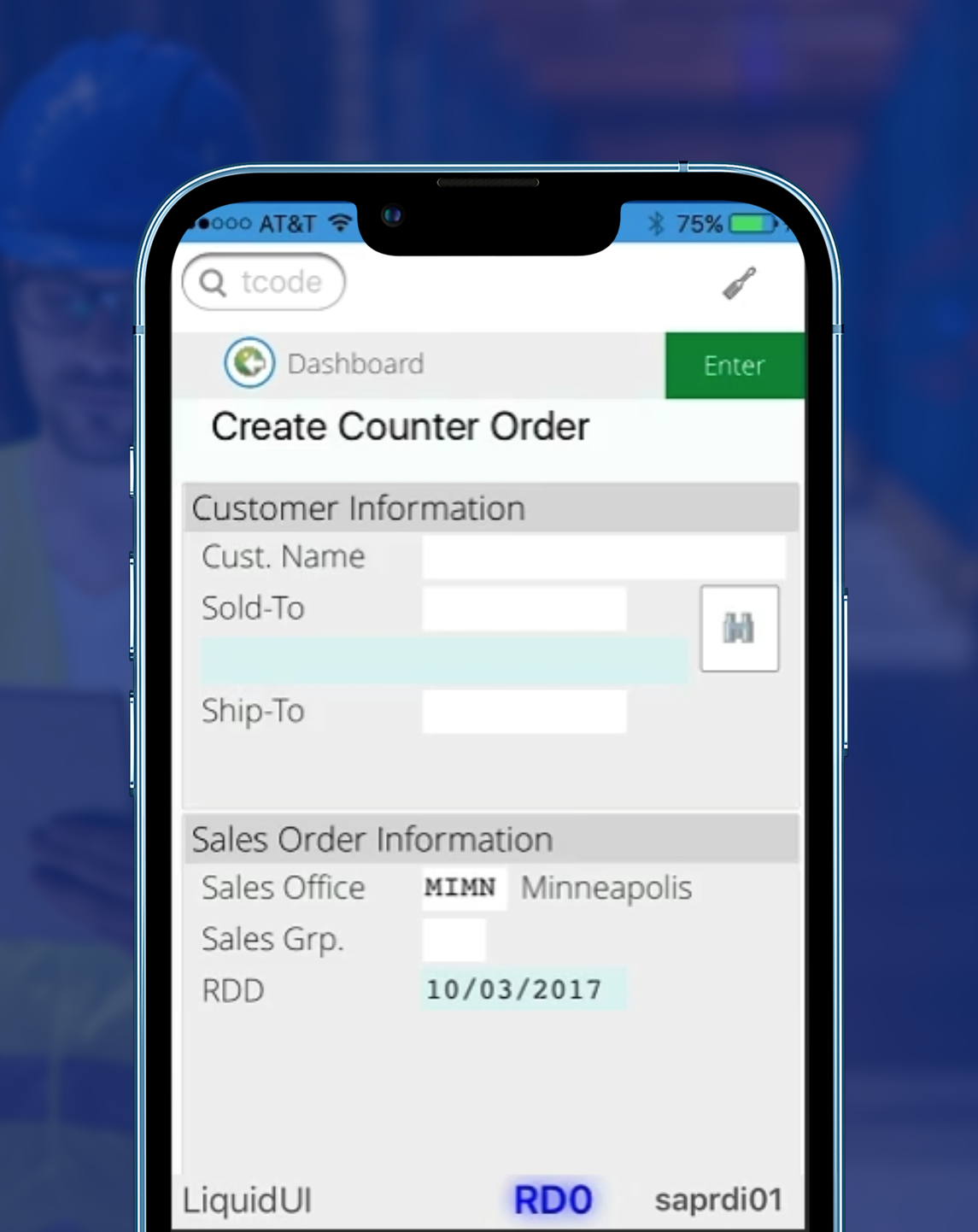
Counter orders followed a shopping-cart workflow - Liquid UI enabled personnel to search for material, add it to a cart, enter customer details, and create the sales order. They could identify unavailable material upfront, search by customer or material number, and enter order priority, special notes, and customer contact information while picking material, allowing the order process to be completed while picking material for the customer.
Cycle counts were organized into three views - Bin view showed the bins to visit and the materials to count. Summary view showed the total quantity of the same material across bins. Material view showed all bin locations for a material, giving personnel visibility into all required locations before counting and allowing them to review and confirm actual counts more directly.
Results

100% user adoption across operations
Warehouse personnel and counter staff adopted the simplified SAP processes.

85% faster counter sales order processing
Customer service representatives create and complete sales orders more efficiently.
66% faster cycle count processing
Warehouse staff complete inventory counts faster.
Blocked order review reduced from 3 hours to 30 minutes
Managers review and release sales orders faster using mobile notifications.

Why Liquid UI
- SAP SD and SAP WM logic and validations remain fully intact
- No backend development or system changes required
- Works with existing SAP transactions and master data
- Extends SAP processes to mobile devices
- Integrates barcode scanning into SAP workflows
See what this looks like for your operation
We’ll show you how Liquid UI simplifies SAP sales order and warehouse workflows in your environment.